
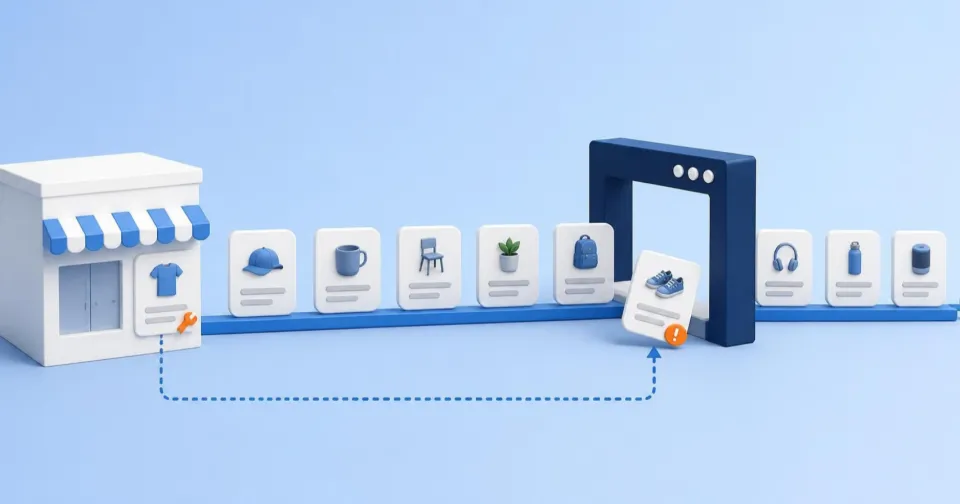
Heureka, Zboží.cz and Google never look inside your store admin. All they know about a product is what the XML feed tells them: name, price, availability, category, image and link. When a value is missing or disagrees with the website, the product either does not appear at all or appears less well than it could. Diagnostics, however, usually report dozens or hundreds of issues at once, and only some of them cost money. What matters is not the number of messages but which products they affect and whether the issue removes the offer.
A comparison site sees only what the feed sends
A feed is not a one-off export but a file that is downloaded regularly. In PPC mode Heureka downloads it every two hours, in its free mode every four, and states plainly that the store is responsible for its content and freshness. In Google Merchant Center, products also expire 30 days after their last update, so the feed has to run continuously, not only when the range changes.
Each service has its own required data. Heureka requires a name, an identifier, a price including VAT and the product URL, and expects the category as a full path, ideally following its own category tree. Zboží.cz does not accept an offer into advertising without its mandatory tags, and lists it in a category only when the feed category matches its category list. The same product can therefore be fine on one comparison site and missing on another.
A critical error and a warning are not the same
Zboží.cz and Google both split issues into two groups with very different consequences.
A critical error removes the offer. On Zboží.cz an offer with a critical error is not shown in advertising. Typical cases are a duplicate name or identifier – then none of the duplicate offers is shown – or missing availability. In Merchant Center a disapproved product stops showing on Google until the issue is fixed. A special case is a price or availability mismatch between the feed and the website: Google may disapprove such products pre-emptively, and availability must match in the feed, on the product page and at checkout.
A warning weakens the offer. An offer with a warning is still shown, with a recommendation on what to improve. That does not make it worthless. Google says products with warnings may have limited performance and unresolved warnings can lead to disapproval. A product that has a GTIN (EAN) but is submitted without it may have limited visibility. So do not delete warnings from the list; rank them behind the errors that remove products.
Impact sets the order, not the message count
A large number in the diagnostics decides nothing on its own. A hundred disapproved products that nobody searches for, or that are out of stock, can cost less than a single disapproved bestseller. Google reflects this in its own interface: the priority fixes filter shows only issues with an estimated medium or high impact on performance, and each issue shows its lost click potential. It does not know your margin, though, and Heureka and Zboží.cz offer no comparable estimate.
To set your own order, answer three questions for each issue:
| Question | Where to find it | Why it matters |
|---|---|---|
| Is there demand for the affected products? | Past clicks and sales from the comparison site, product page traffic | A removed product with no interest will not sell after the fix either |
| Are they in stock or quickly available? | Stock and delivery time in the store | Fixing an offer you cannot deliver brings nothing |
| Do they carry a reasonable margin? | Purchase prices in the store | It sets how much the fix can bring back |
The second criterion is the reach of a single fix. One cause often hits hundreds of items at once – a missing delivery time for a whole product group or a wrongly mapped category. That is one piece of work with a large effect and belongs at the front. Conversely, dozens of individual warnings on products with no sales can be deliberately deferred, with the reason written down.
Feed health in one place
See how many offers Google and Zboží.cz are not showing and which single cause is behind most of them.
Fix the source, not the output file
In Shoptet, feeds are built from product data. The system feeds for Heureka, Zboží.cz and Google Shopping are generated by the platform and cannot be edited. The fix therefore belongs in the store: in the product’s name, category, availability and delivery time, or in the “name in XML feed” field on the Advanced tab, which replaces the regular name in the feed. If an external tool or a custom feed modifies the data further, a fix there helps only that channel and can be overwritten by the source at the next change in the store.
For price and availability, fixing the feed alone is not enough. Google compares feed values with what it sees on the product page, and the mismatch persists until both agree.
Before changing or removing a field, find out who reads it
Feed fields are not read only for display. In Sklik product campaigns, ad groups and product groups are commonly split by category (CATEGORYTEXT), manufacturer, availability or price. In Google, custom labels organise offers for bidding and reporting in Shopping campaigns. When a “redundant” field disappears or changes its value, a campaign targeting it can stop advertising those products without any diagnostic error.
On Heureka, changing URLs, product names or categories in the feed also unmatches products, and re-matching takes about four working days according to its help pages. A name tweak meant to improve search results can therefore cost several days of visibility. Before any change to the feed structure, check which campaigns and services read the field and align the change with them.
A fix is done when the comparison site confirms it
Time passes between saving a fix and seeing it on a comparison site. Shoptet says a change can take up to two hours to reach the feed, and the service then needs further time to download and process it. Heureka downloads the file every two or four hours. Google re-crawls disapproved products over the following hours or days, and where a review request is needed, the review for Shopping ads can take up to 3–5 business days.
Close a fix only in that service’s diagnostics: the product has left the error list, is approved again or is showing. If the issue persists after the next processing cycle, the fix did not reach the cause. Do not promise approval in advance, to yourself or to your agency – the service decides, not the store.
What to do now
- Open the diagnostics of all three services. Merchant Center and the Zboží.cz and Heureka admin. Read each separately and do not add issues up across services.
- Separate critical errors from warnings. Fix what removes offers first; price or availability mismatches with the website belong here.
- Rank by impact. For each error, check demand, stock and margin of the affected products, and favour fixes that bring back many sellable items in one change.
- Fix the store data and find out who reads the field. Before changing a category or name, or removing a field, check Sklik and Google campaigns and Heureka matching.
- Note when you will verify the fix. After the next processing cycle, return to the diagnostics and close the fix only once the service confirms it.
Korzaro monitors feed health in Google Merchant Center and on Zboží.cz. It flags an increase in disapproved, erroneous or hidden offers and names the most common cause with an example product, so you can see how many items one fix will resolve. Heureka’s public interface does not provide feed diagnostics, so Korzaro does not monitor them.